



INVITEMEOUT

InviteMeOut
ExploreCreateInvite friends
InvitationsBusiness pagesEvent pagesGuides
TermsPrivacyRefundsCommunity guidelinesSupport

© 2026 InviteMeOut LLC

INVITEMEOUT

InviteMeOutGuidesInviteMeOut

Guides

ExploreCreate
Log inLog inSign up
HomeGuidesHow to Start a Run Club (and Keep People Coming Back)

How to Start a Run Club (and Keep People Coming Back)

A fixed time, every pace welcome, and one page that handles dates, RSVPs and updates.

Updated November 17, 2026 · 4 min read

invitemeout.app
invitemeout.app
invitemeout.app

Run clubs are having a moment: a weekly meetup, a coffee after, and a group chat that never sleeps. Here is how to start one and keep people coming back, with one page that does the admin.


  • Run Club template
    invitemeout.app

    Run Club

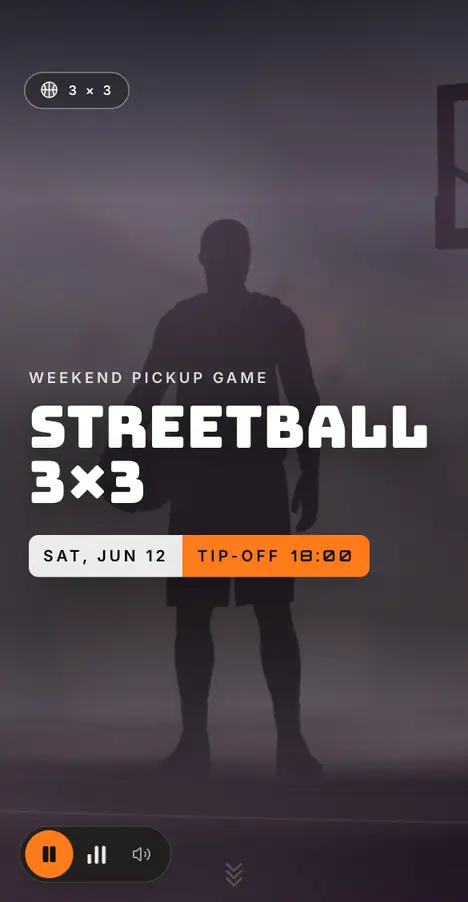
  • Streetball template
    invitemeout.app

    Streetball

  • Court Booking template
    invitemeout.app

    Court Booking

  • Match Day template
    invitemeout.app

    Match Day

  • Ping Pong Night template
    invitemeout.app

    Ping Pong Night

  • Match Night template
    invitemeout.app

    Match Night

Sports and meetup designs on InviteMeOut.

Pick a fixed time and a fixed spot

“Every Saturday, 8 am, at the park fountain” beats a new plan every week. Consistency is what builds a club.

Make every pace welcome

Say the distances and paces (“5K, conversational pace, no one left behind”). Most people don't join because they think they're too slow.

One page, every date

Put the meeting point with a map, the route, the paces and every upcoming date on a single page. People RSVP to the dates they can make, and you know how many are coming.

Post updates in one place

Rain plan, new route, a coffee spot partner: post it as an update on the page instead of losing it in the group chat.

Let people find you

Make the page public so it appears in Explore for people nearby, and put the link in your Instagram and Strava bios.

Make your club's page

Weekly dates, RSVPs, updates and a map. Free, and listed in Explore.

Sports designs Download on theApp Store

Need something different? We'll make your event page

Send us the details and we'll build the page, with a design made for your event if none of these fits.

Questions people ask

Do people have to sign up?+

No account needed: they RSVP in the browser to the dates they can make.
Read next

Guides · 5 min read

How to Make an Event Page That Fills the Room

How to make an event page for a concert, workshop, tasting or meetup: the basics, tickets or RSVP, lineup, spots left, updates and promotion.

Guides · 4 min read

How to Fill a Workshop or Class: An Event Page Checklist

How to sell out a paint-and-sip, pottery, cooking or flower class: show the result, say what's included, several dates, spots left and tickets.

Make your event page

Lineup, tickets or RSVP and spots left, listed in Explore. Free.

Event designs

Read next

  • How to Make an Event Page That Fills the Room
  • How to Fill a Workshop or Class: An Event Page Checklist

InviteMeOut

Create. Share. Get discovered.

Download on theApp Store
ExploreCreateTemplatesGuidesCommunity guidelinesTermsPrivacyRefunds

© 2026 InviteMeOut LLC