
INVITEMEOUT

InviteMeOut
ExploreCreateInvite friends
InvitationsBusiness pagesEvent pagesGuides
TermsPrivacyRefundsCommunity guidelinesSupport

© 2026 InviteMeOut LLC

INVITEMEOUT

InviteMeOutGuidesInviteMeOut

Guides

ExploreCreate
Log inLog inSign up
HomeGuidesHow to Fill a Workshop or Class: An Event Page Checklist

How to Fill a Workshop or Class: An Event Page Checklist

Show what people will make, say what's included, and let "4 spots left" do the rest.

Updated November 17, 2026 · 4 min read

invitemeout.app
invitemeout.app
invitemeout.app

Paint-and-sip nights, pottery, cooking and flower classes sell on two things: what people will make, and how few spots are left. Here is a checklist for an event page that fills every seat.
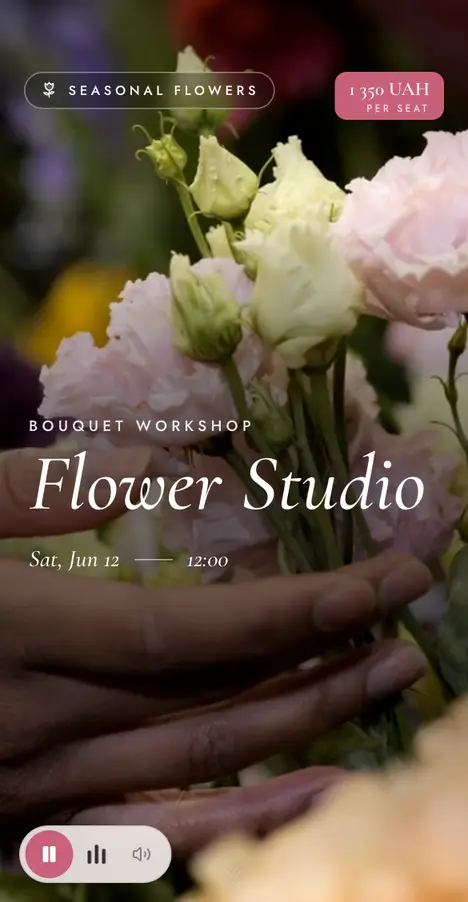

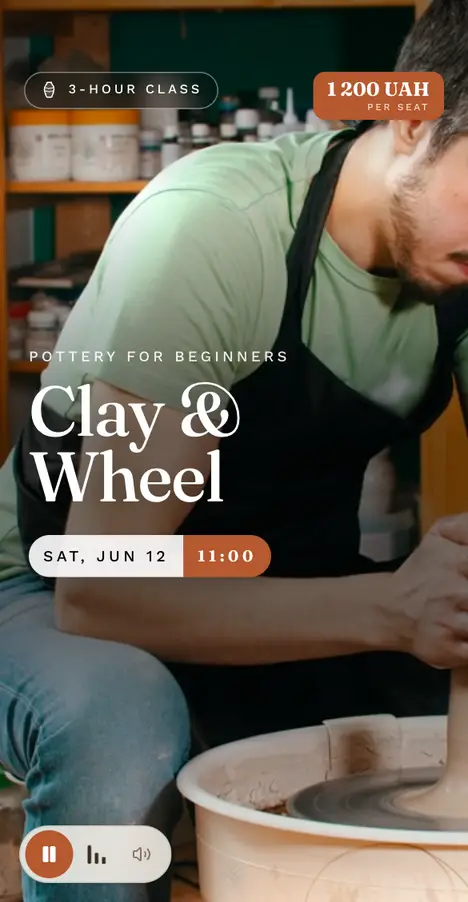
  • Clay & Wheel template
    invitemeout.app

    Clay & Wheel

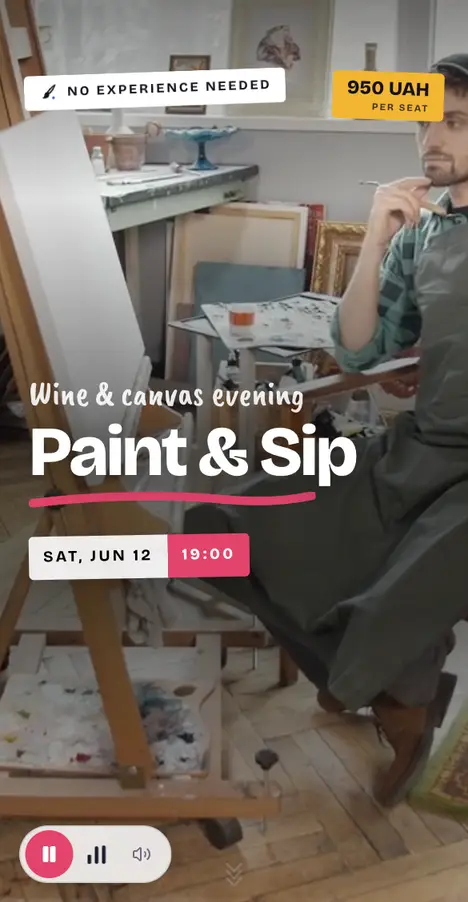
  • Paint & Sip template
    invitemeout.app

    Paint & Sip

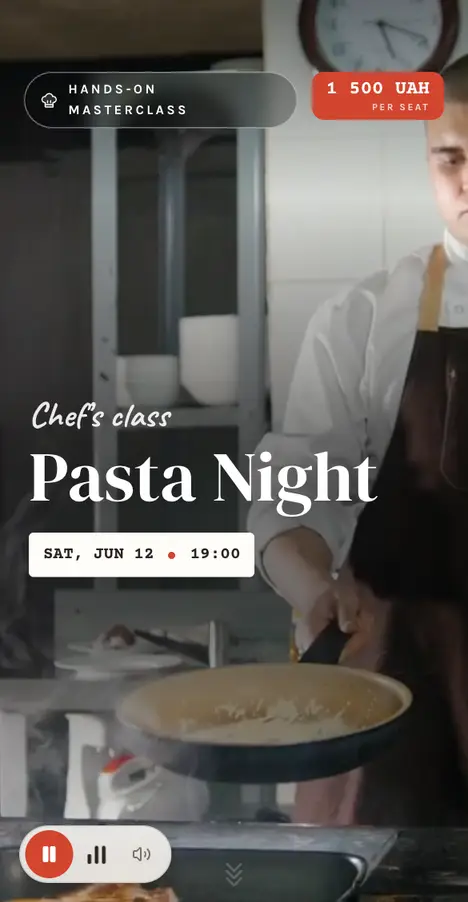
  • Chef’s Class template
    invitemeout.app

    Chef’s Class

  • Flower Studio template
    invitemeout.app

    Flower Studio

  • The Talk template
    invitemeout.app

    The Talk

  • Workshop template
    invitemeout.app

    Workshop

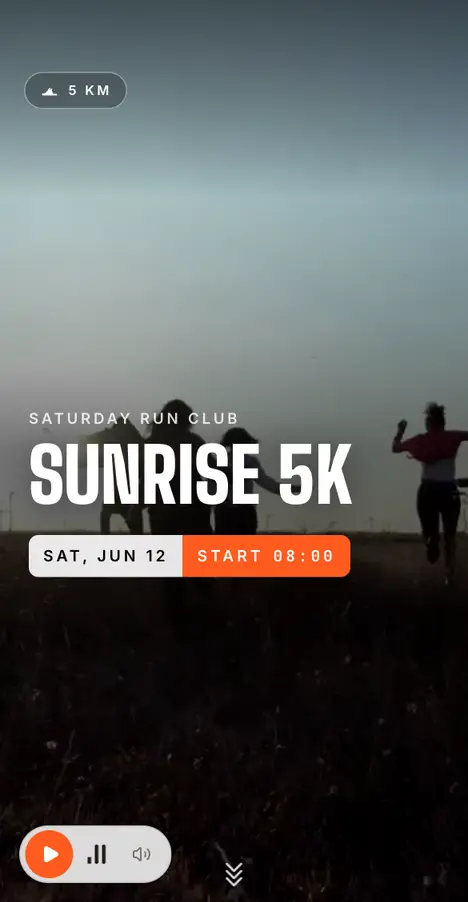
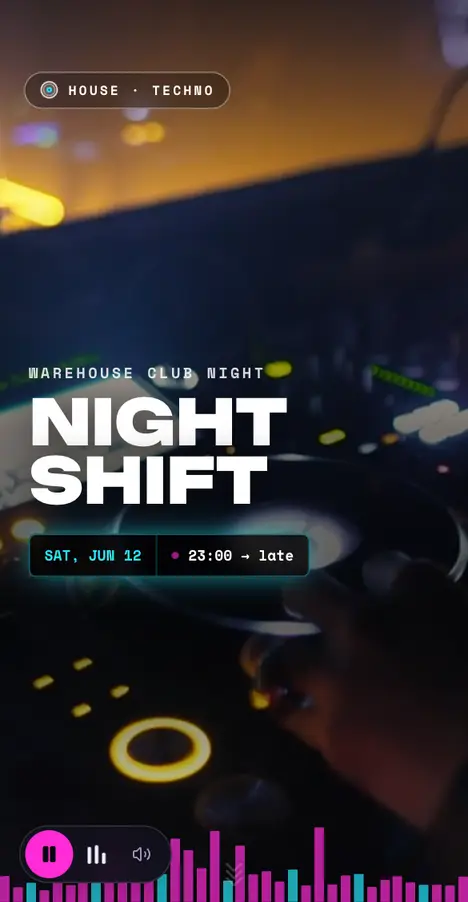
Workshop and class designs on InviteMeOut.

Show the result

Photos of finished pieces from past classes beat any description. People buy the bowl, the painting or the bouquet they'll take home.

Say what's included

  • Materials and tools
  • A drink or snacks
  • How long it takes, and whether beginners are welcome
  • What to wear (clay and paint stain)

Put every date on one page

A weekly class or a series reads better as one page with several dates than as five separate links. Each date gets its own add-to-calendar.

Show the spots left

Small groups are the selling point. A live “4 spots left” counter is honest urgency, and when it's full a waitlist keeps the next class filling.

Tickets or RSVP

For paid classes, list your price tiers (early bird, standard, a couple's ticket), each linked to your checkout. For free events, take RSVPs on the page.

Get found nearby

Make the page public so it shows in Explore for people searching their city, and share it from your studio's Instagram bio.

Make your workshop page

Several dates, spots left, tickets or RSVP. Free.

Workshop designs Download on theApp Store

Need something different? We'll make your event page

Send us the details and we'll build the page, with a design made for your event if none of these fits.

Questions people ask

Can I run the same class on several dates?+

Yes. Put every date on one page; each has its own time and add-to-calendar.
Read next

Guides · 5 min read

How to Make an Event Page That Fills the Room

How to make an event page for a concert, workshop, tasting or meetup: the basics, tickets or RSVP, lineup, spots left, updates and promotion.

Guides · 4 min read

How to Start a Run Club (and Keep People Coming Back)

How to start a run club: a fixed time and place, every pace welcome, one page with every date and RSVPs, updates in one place, and getting found nearby.

Make your event page

Lineup, tickets or RSVP and spots left, listed in Explore. Free.

Event designs

Read next

  • How to Make an Event Page That Fills the Room
  • How to Start a Run Club (and Keep People Coming Back)

InviteMeOut

Create. Share. Get discovered.

Download on theApp Store
ExploreCreateTemplatesGuidesCommunity guidelinesTermsPrivacyRefunds

© 2026 InviteMeOut LLC