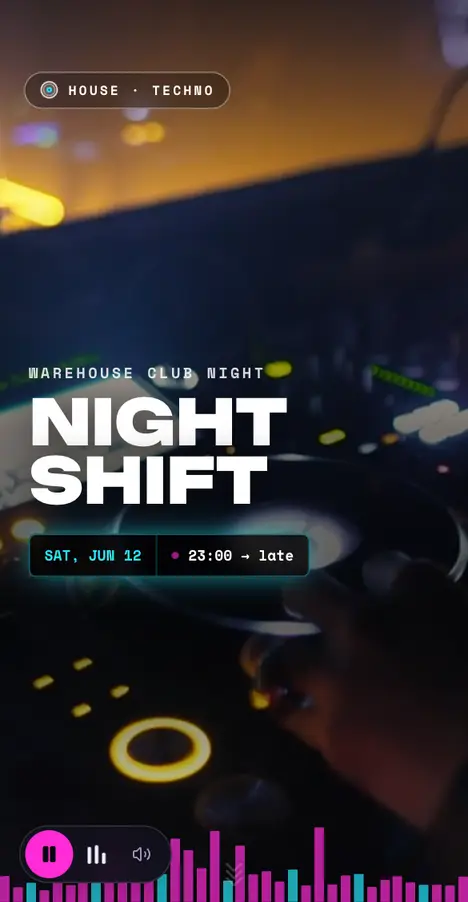
Event Page Templates for Workshops, Classes & Talks
Paint-and-sip nights, pottery and cooking classes, flower workshops and talks. Show what people will make, how many spots are left, and every date in the series.

Workshop
A hands-on workshop: a notebook page, sticky notes, modules and a tappable checklist of what to bring.
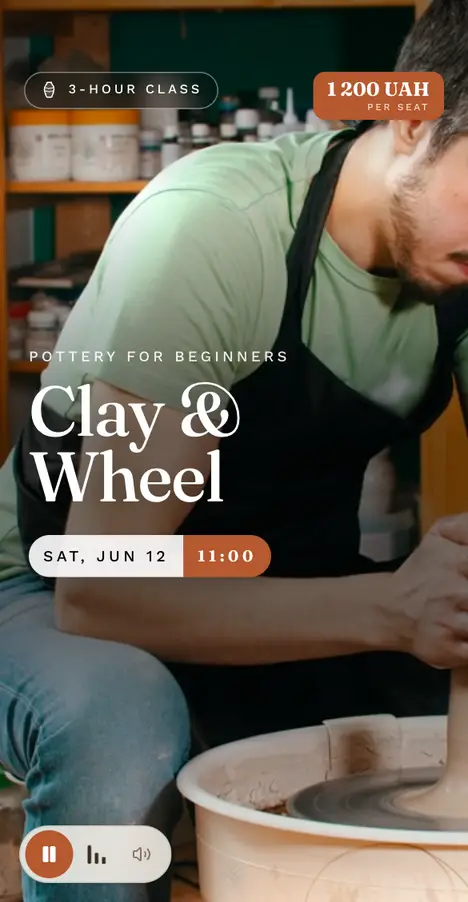
Clay & Wheel
A pottery class: clay spins on the wheel and rises into a vase to open; a kiln-controller countdown, glazed-tile facts, the class in numbered steps, what to wear, the free wheels and a take-home kiln tag.
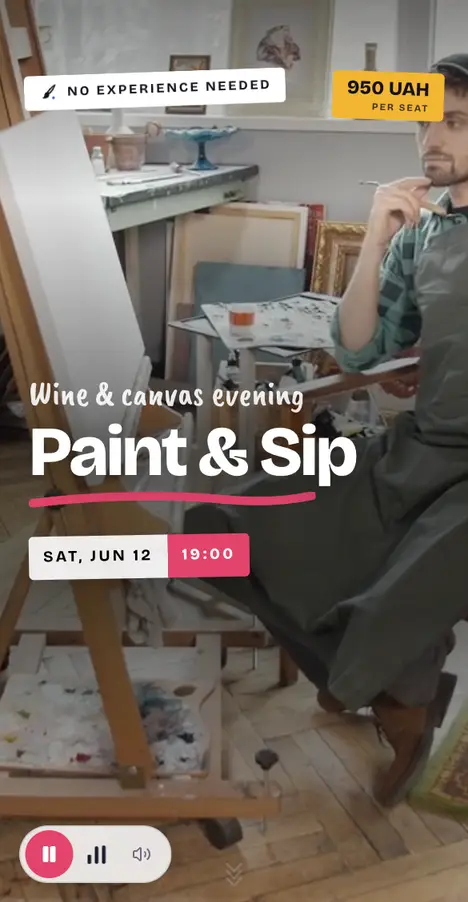
Paint & Sip
Painting with wine: brush strokes paint the title onto a canvas to open; paint-blob countdown, paint-chip facts, the evening in brush strokes, what’s included on paint tubes, tonight’s palette and the easels.
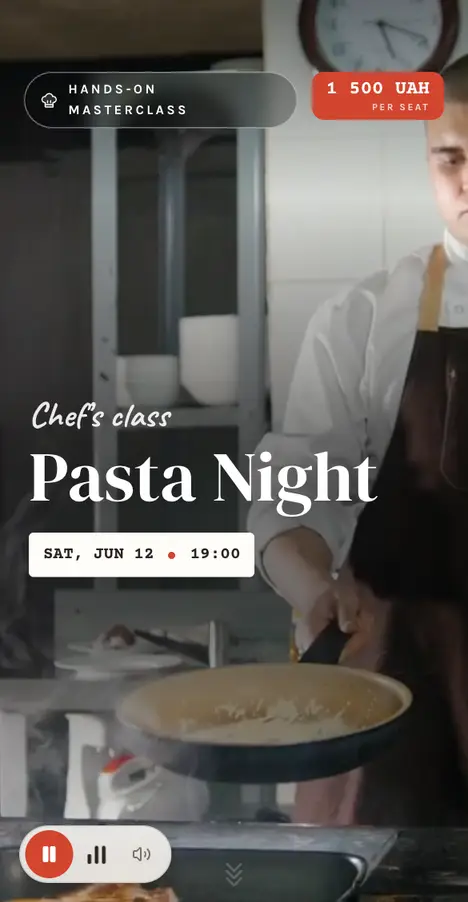
Chef’s Class
A cooking masterclass: lift the pot lid in a cloud of steam to open; an oven-timer countdown, a recipe card, the menu you’ll cook, an ingredients checklist and the cooking stations.
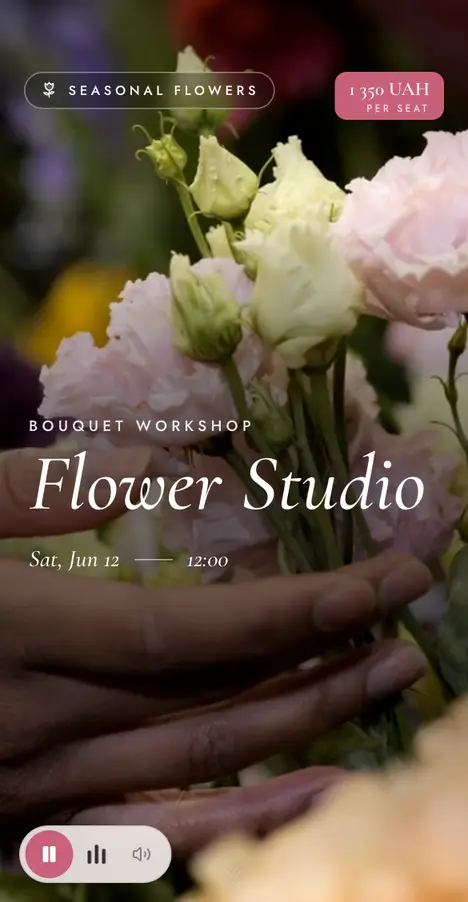
Flower Studio
A floristry workshop: the buds open into flowers to open; arched-window countdown, botanical tags, the steps on a climbing vine, your bouquet drawn from its stems list and the places at the table.
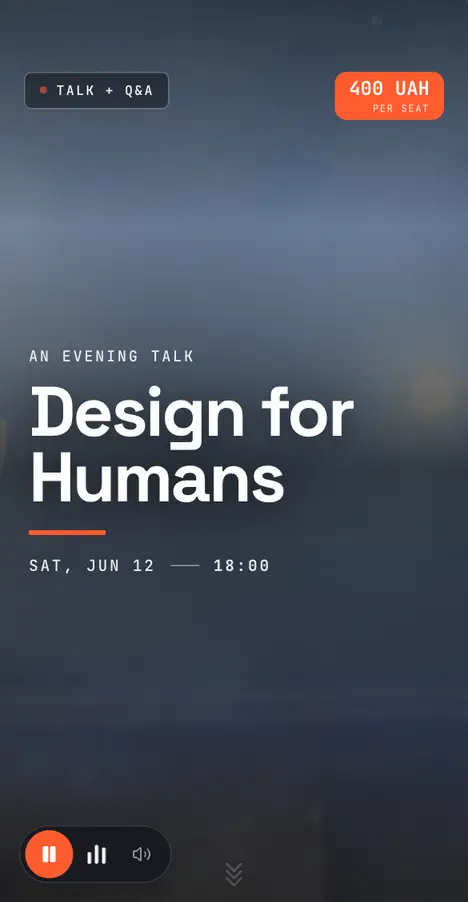
The Talk
A lecture, talk or meetup: a mic check, then the clicker moves to the title slide; a stage-screen countdown, a conference badge, speakers with a lower third, the agenda, takeaways, Q&A and the auditorium’s seats.
What the page does
Several dates
A series, a course or repeat shows on one page, each date with add-to-calendar.
Spots left and a waitlist
A live counter of places left; when it's full the page says sold out and new guests join the waitlist.
Ticket tiers
Early bird, standard, VIP: names, prices and notes, each with a link to your checkout, marked sold out when they're gone.
Free RSVP and check-in
For free events, guests RSVP in the browser; at the door you check them in from your phone and export the list.
Shown in Explore and on Google
Public events appear in Explore for people searching their city or ZIP code, and search engines get the date, place and price.
Followers come back
People can save your event and follow you as an organizer to see your next one.
Tips
Say what's included
Materials, a drink, what people take home.
Small groups sell
Show the spots left; "4 spots left" moves people.
Make your event page
Pick a design, fill in the details and share one link. Free.
Need something different? We'll make your event page
Send us the details and we'll build the page, with a design made for your event if none of these fits.
Questions people ask
Can I run the same class on several dates?
Yes. Add every date to one page; each has its own time and add-to-calendar.