Event Page Templates for Run Clubs, Matches & Watch Parties
Run clubs, pickup basketball, tennis and padel, ping pong nights, match days and watch parties.

Match Day
5-a-side football: kick the ball at the screen to open; a floodlit pitch on film, an LED stadium board, the squad lined up on a pitch with the open spots.
Court Booking
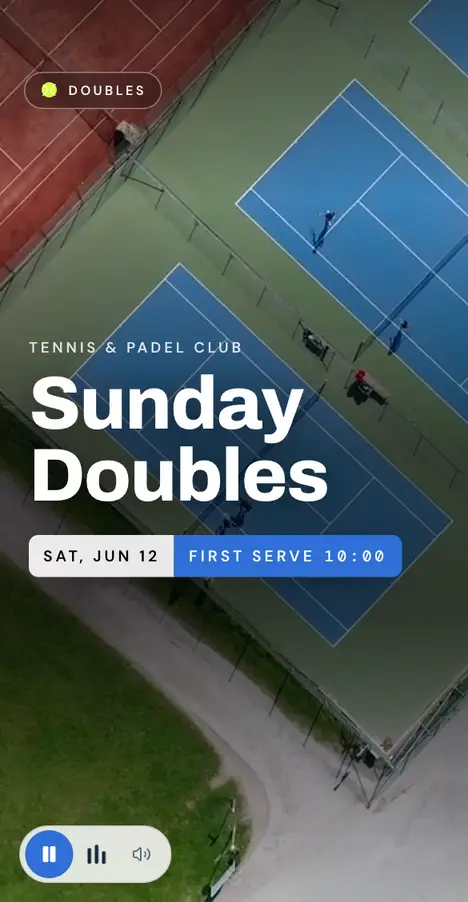
Tennis or padel: serve to open; courts from above on film, a club scoreboard countdown, the order of play and a doubles court with the players’ places.
Match Night
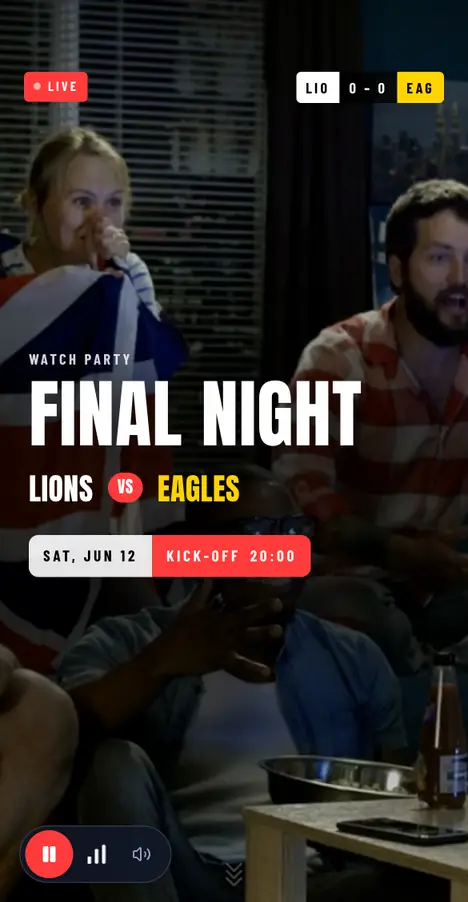
A watch party: switch the TV on to open; fans on the sofa on film, a LIVE bug and score bug, “Who wins?” with team crests, a TV guide and “wear your colours”.
Run Club
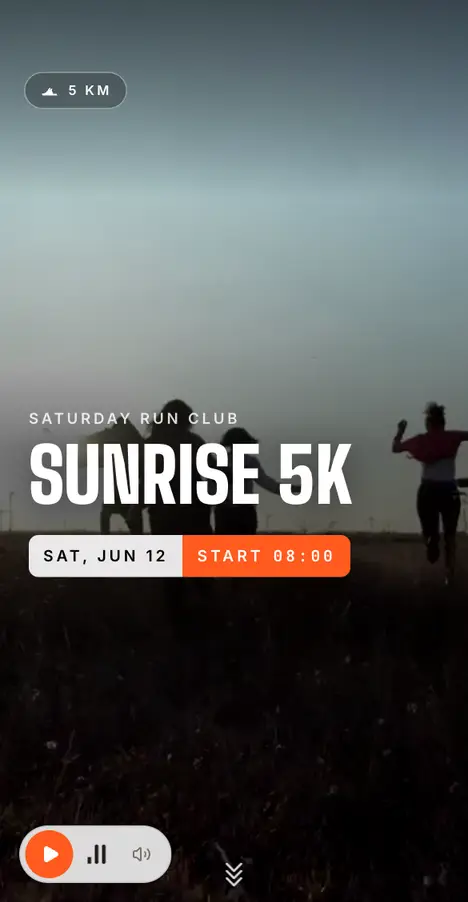
A run club: “On your marks… Set… Go!” to open; runners at dawn on film, a stopwatch countdown, the route in kilometres and pace groups on race bibs.
Streetball
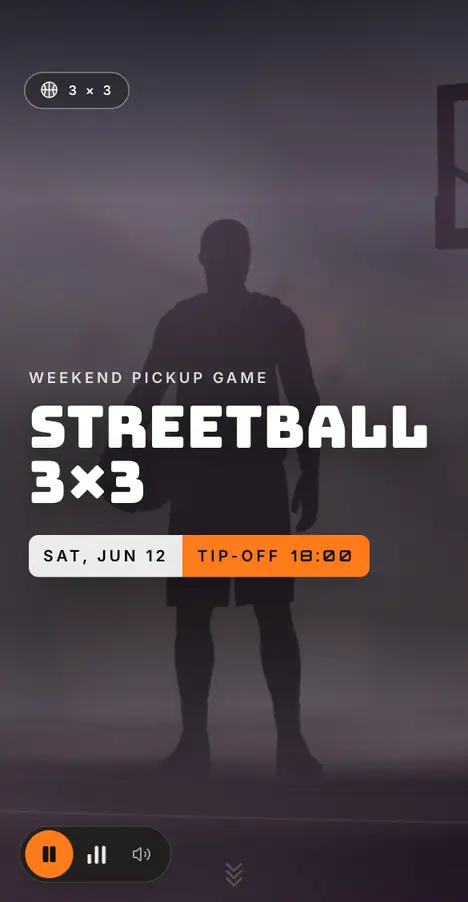
3×3 streetball: take the shot to open; a silhouette at dusk on film, shot-clock countdown, the game plan by quarters and two teams of jerseys with the open spots.
Ping Pong Night
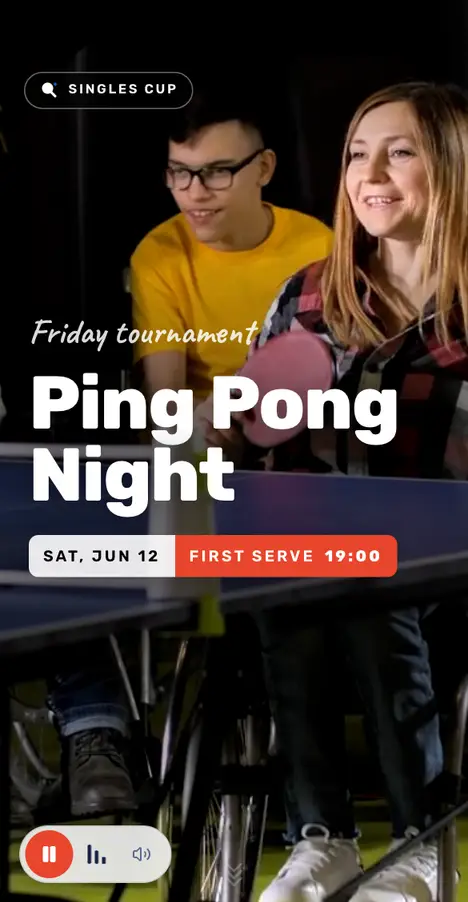
A ping-pong tournament: a rally across the table opens it; friends at the table on film, a flip score counter, the bracket round by round and the house rules.
What the page does
Free RSVP and check-in
For free events, guests RSVP in the browser; at the door you check them in from your phone and export the list.
Spots left and a waitlist
A live counter of places left; when it's full the page says sold out and new guests join the waitlist.
Several dates
A series, a course or repeat shows on one page, each date with add-to-calendar.
Updates for guests
Post news on the page ("Doors at 7:30", "A second DJ joins"), newest first.
Shown in Explore and on Google
Public events appear in Explore for people searching their city or ZIP code, and search engines get the date, place and price.
Followers come back
People can save your event and follow you as an organizer to see your next one.
Tips
Weekly meetups
Use one page with several dates instead of a new page every week.
Make your event page
Pick a design, fill in the details and share one link. Free.
Need something different? We'll make your event page
Send us the details and we'll build the page, with a design made for your event if none of these fits.
Questions people ask
Can people just show up?
Yes, or ask them to RSVP so you know the numbers; you can cap spots and keep a waitlist.