
INVITEMEOUT

InviteMeOut
ExploreCreateInvite friends
InvitationsBusiness pagesEvent pagesGuides
TermsPrivacyRefundsCommunity guidelinesSupport

© 2026 InviteMeOut LLC

INVITEMEOUT

InviteMeOutGuidesInviteMeOut

Guides

ExploreCreate
Log inLog inSign up
HomeGuidesHow to Make an Event Page That Fills the Room

How to Make an Event Page That Fills the Room

The basics up top, tickets or RSVP, a lineup people share, and honest urgency with a spots-left counter.

Updated November 17, 2026 · 5 min read

invitemeout.app
invitemeout.app
invitemeout.app

A flyer gets a glance. An event page gets people through the door: it answers what, when, where and how much, takes RSVPs or links to tickets, and keeps everyone updated. Here is how to make one that sells out a small venue.

1. The basics, above everything else

Name, date, doors and start time, the venue with a map, and the price. If people have to scroll for these, many won't.
  • Night Shift template
    invitemeout.app

    Night Shift

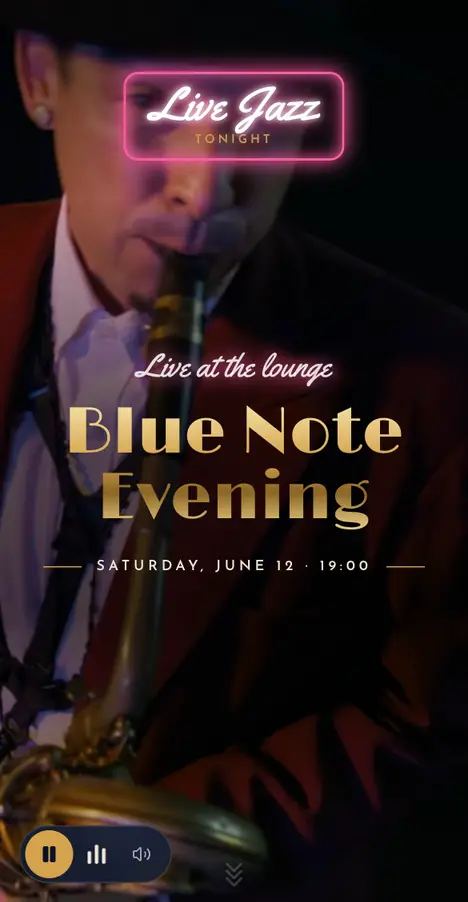
  • Blue Note Evening template
    invitemeout.app

    Blue Note Evening

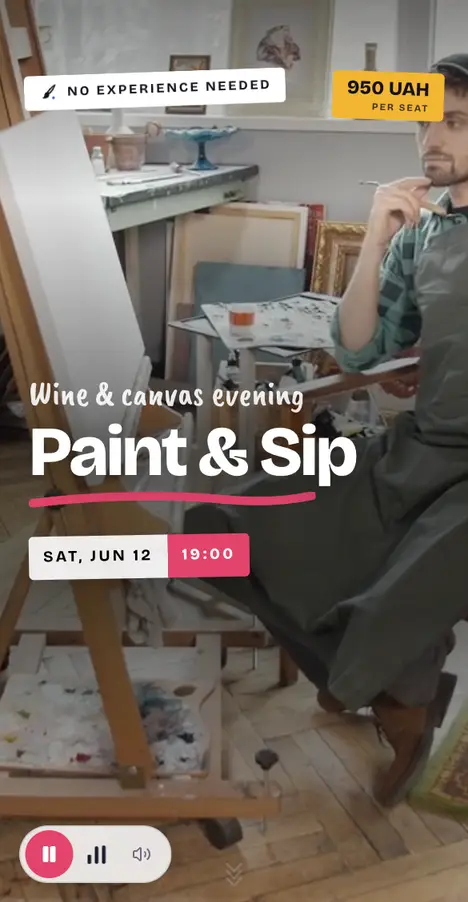
  • Paint & Sip template
    invitemeout.app

    Paint & Sip

  • Wine Tasting template
    invitemeout.app

    Wine Tasting

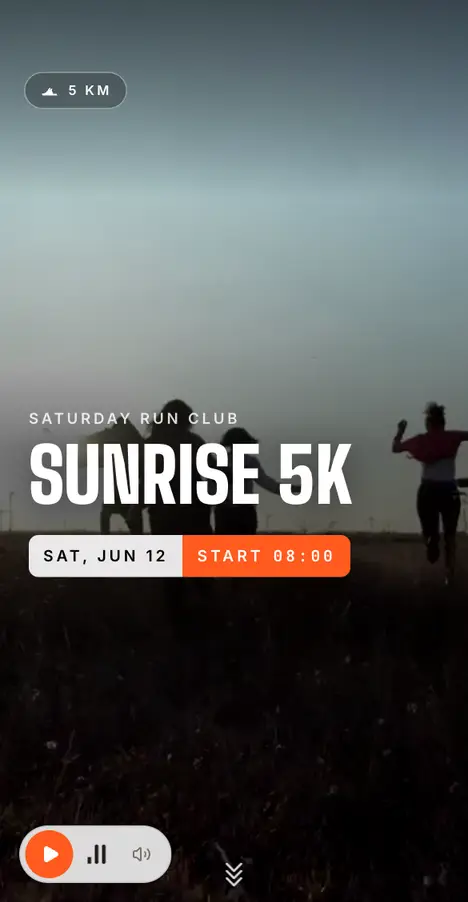
  • Run Club template
    invitemeout.app

    Run Club

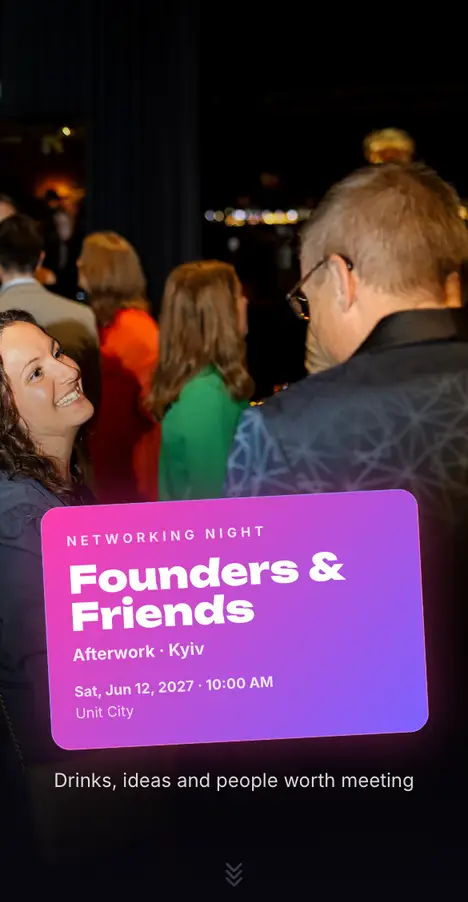
  • Networking Night template
    invitemeout.app

    Networking Night

Public event designs on InviteMeOut: concerts, workshops, tastings, run clubs, networking.

2. Tickets or RSVP

  • Free event: RSVP right on the page, with a spot limit and a waitlist.
  • Paid event: list ticket tiers (early bird, standard, VIP) with prices, each linked to your checkout. On InviteMeOut the tiers show on the page and the purchase happens on your ticketing or payment page.

Ticket fees

Ticketing platforms charge fees on paid tickets. For example, Eventbrite in the US charges 3.7% + $1.79 per ticket plus 2.9% payment processing, by default paid by the buyer (checked November 17, 2026). Free events cost nothing there.

3. Who is on the lineup

Artists, speakers or the chef, with photos. People share events because of who is in them.

4. Show that it is filling up

A “spots left” counter and a sold-out label are honest urgency. When it's full, a waitlist catches the people you'd otherwise lose.

5. Keep it alive

Post updates on the page: a second DJ, a new start time, the weather plan. A series or a weekly club? One page with several dates is easier to share.

6. Get it in front of people

  • Make it public so it appears in Explore for people nearby and on Google.
  • Put the link in your bio, your stories and local groups.
  • Print the QR code on posters and at the counter.

Make your event page

Lineup, tickets or RSVP, spots left and updates. Free, and listed in Explore.

Event designs Download on theApp Store

Need something different? We'll make your event page

Send us the details and we'll build the page, with a design made for your event if none of these fits.

Questions people ask

Can I sell tickets on InviteMeOut?+

You list ticket tiers with prices on the page; each links to your checkout, where the payment happens.

How do people find my event?+

Public events appear in Explore for people searching their city or ZIP code, and search engines get the date, place and price.
Read next

Guides · 6 min read

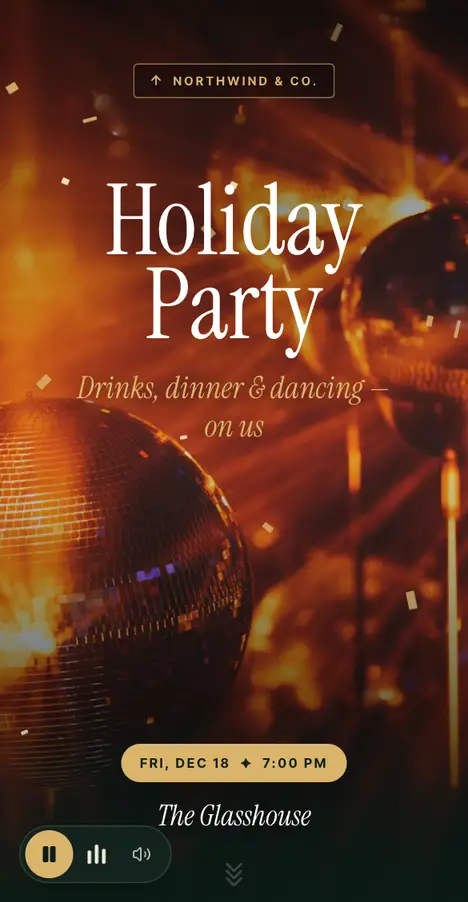
Office Holiday Party Invitation Ideas (+ Wording You Can Copy)

Office holiday party invitation ideas: 5 themes, wording you can copy, plus-one phrasing, a what-to-include checklist and an RSVP timeline.

Guides · 5 min read

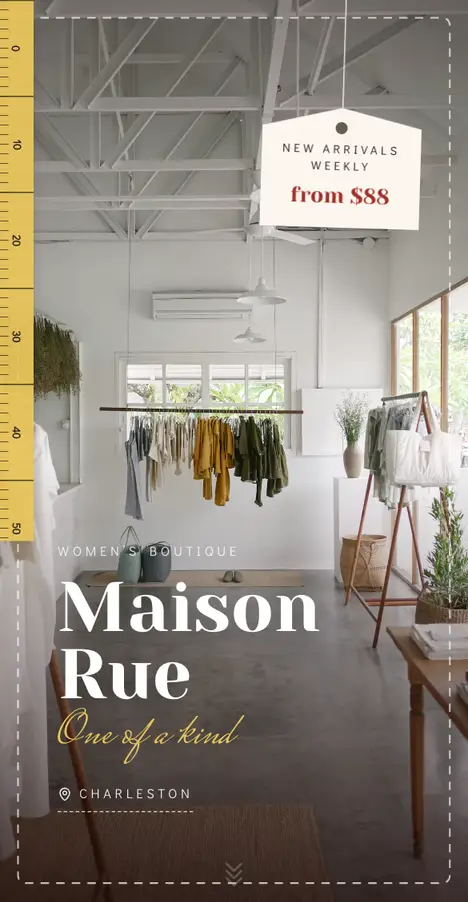
How to Make a Free Website for Your Small Business (One Page Is Enough)

What a small business website needs, free options compared (Google Business Profile, Linktree, Carrd, Wix) and how to get a designed page today.

Make your event page

Lineup, tickets or RSVP and spots left, listed in Explore. Free.

Event designs

Read next

  • Office Holiday Party Invitation Ideas (+ Wording You Can Copy)
  • How to Make a Free Website for Your Small Business (One Page Is Enough)

InviteMeOut

Create. Share. Get discovered.

Download on theApp Store
ExploreCreateTemplatesGuidesCommunity guidelinesTermsPrivacyRefunds

© 2026 InviteMeOut LLC