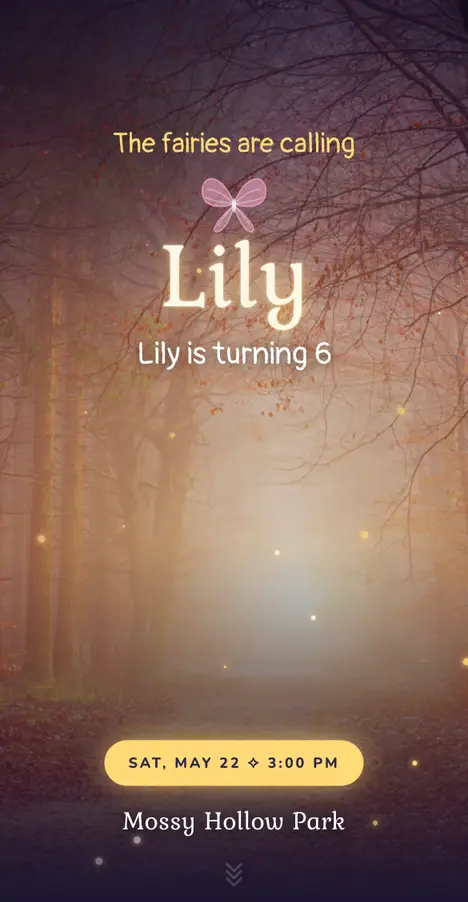
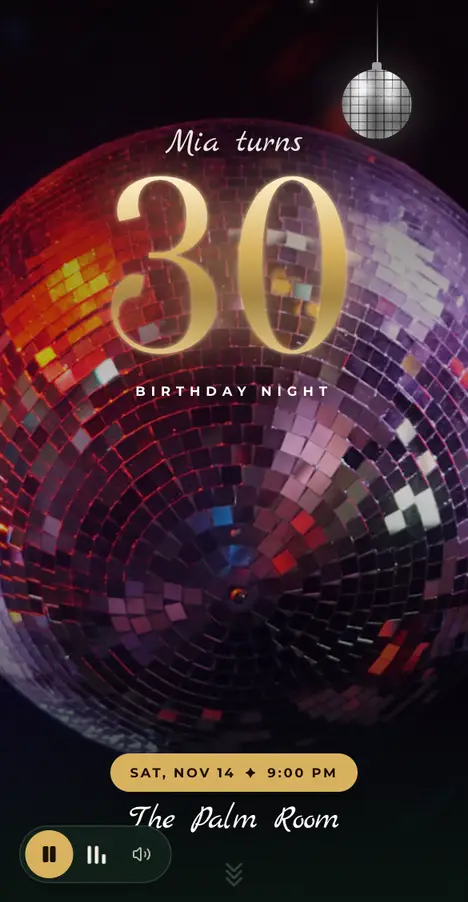
A paper card gets a glance and a spot on the fridge. A digital birthday invitation can do more: it opens with a little show, plays a song, shows the map, and tells you who is coming without a single follow-up text. Here is how to make one in about ten minutes, plus the details people forget.
1. Pick a design that fits the age, not just the theme
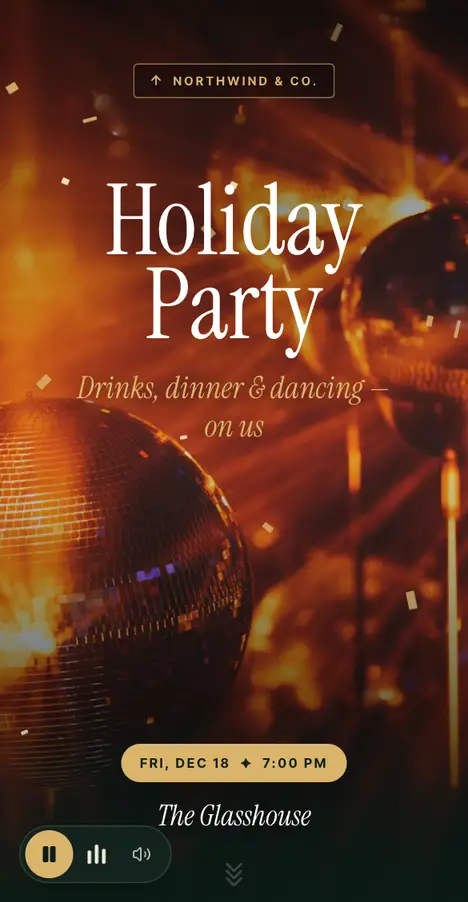
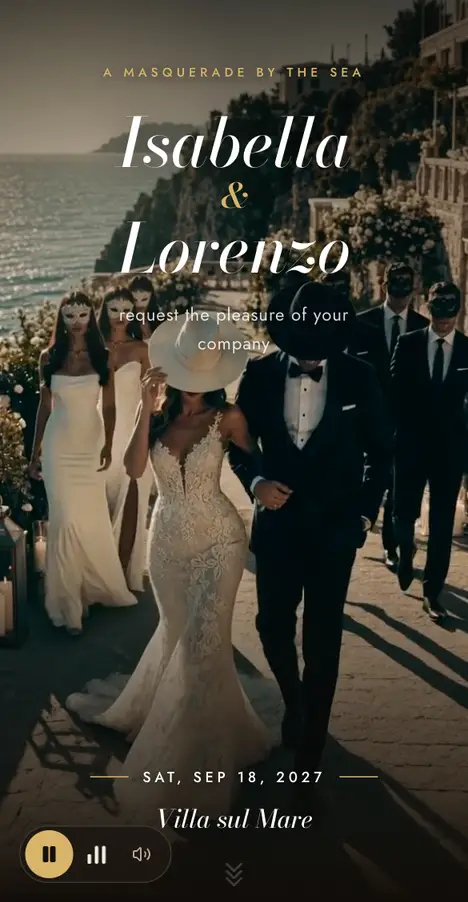
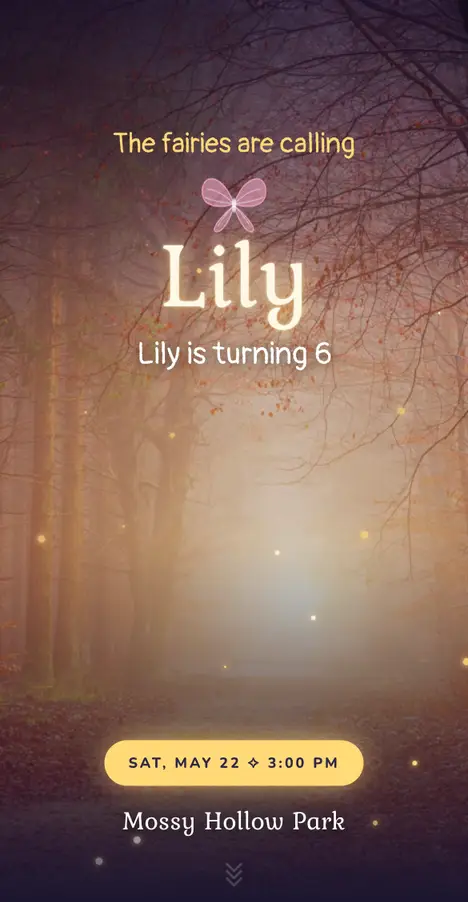
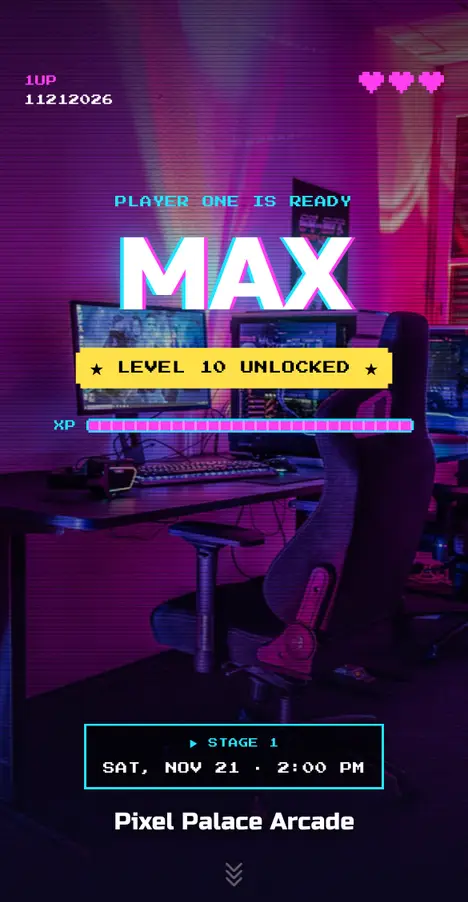
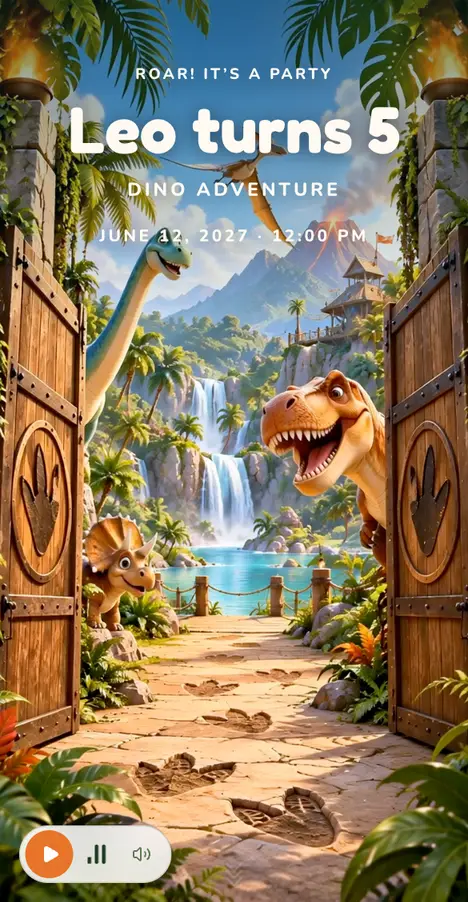
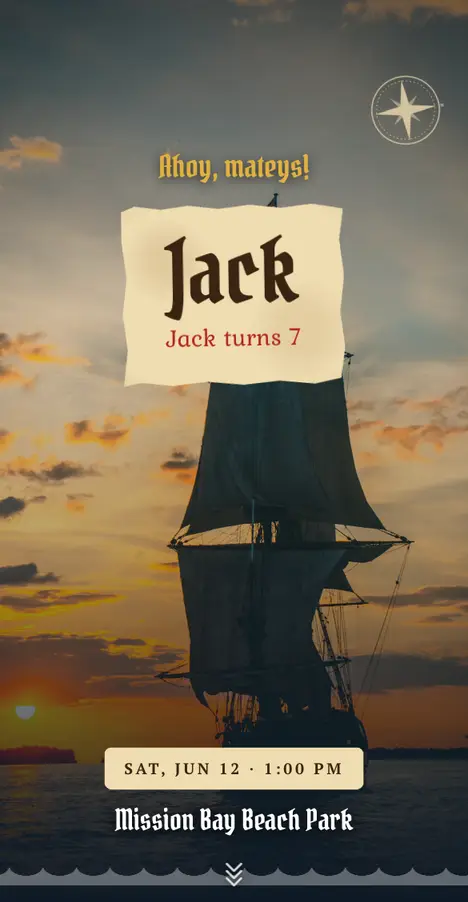
The fastest way to a great invitation is to start from a design made for the guest of honor's age. A first birthday wants soft colors and a big number. A 7-year-old wants dinosaurs, pirates or a video-game level. A 30th or 40th usually looks best dark and grown-up: a velvet rope, a wine cellar, a disco ball.



2. Write the five lines every invitation needs
Guests skim. Put these up top and in this order:
- Who and what: “Mia turns 7!” or “Join us for Dan's 40th.”
- When: day, date and a start and end time (“Saturday, March 6, 2 to 4 pm”). An end time helps parents plan pickup.
- Where: the full address, plus parking or buzzer notes. A map pin saves a dozen texts.
- RSVP by: a real date, about a week before the party.
- Anything special: dress code, “bring a swimsuit”, “adults only”, allergies, or “no gifts, please”.
3. Add the parts paper can't do
- An opening. On InviteMeOut many birthday designs open with an animation, like an envelope with a wax seal, a curtain or a short film, before the page appears.
- Music. A song that starts when the invitation opens sets the mood fast.
- Photos. A few pictures of the birthday person are the part guests actually look at.
- Schedule. “2:00 games, 2:45 cake, 3:30 piñata” helps parents and keeps the party on track.
- A countdown to build a little excitement.
4. Turn on RSVP and decide about plus-ones
Ask for Going, Maybe or Can't go, and decide up front whether guests can bring someone. For kids' parties, ask parents to note in their comment whether a grown-up is staying and any allergies. If space is tight, you can cap the number of spots and keep a waitlist.
5. Share one link, the way your guests already talk
Paste the link into the family group chat, text it, email it or post it as an Instagram Story. If you invite people one by one from your contacts, each person gets a personal link, so you can see who opened it and what they answered. For a printed note in a backpack, add the QR code.
6. Follow up without nagging
Two or three days before the RSVP date, message only the people who haven't answered. The day before the party, send one reminder with the address and parking note. That is it: no spreadsheet, no “did you get my text?”.
Make a birthday invitation now
Pick a design for any age, fill in the details and share one link. Free.
Common mistakes
- No end time. Parents need it.
- An RSVP date that is too close to the party to order the cake.
- An address without the apartment number or the gate code.
- Sending a screenshot of a card instead of a link, so nobody can tap the map or answer.
Looking for more? Browse all birthday invitation templates or see how InviteMeOut compares with Evite.
Don't see your occasion? We'll design it for you
Tell us about your event and we'll make the invitation, with a custom design if none of these fits, and put it in your account.
Questions people ask
How far in advance should I send a birthday invitation?
Two to three weeks ahead for most parties, four weeks for a milestone birthday or anything people travel for. Set the RSVP date about a week before the party.
Is it OK to send a birthday invitation by text?
Yes. Most parents and friends prefer a link in a text or group chat. A link also lets guests open the map, add the party to their calendar and answer right away.
Can guests RSVP without downloading an app?
On InviteMeOut, yes. Guests open the link in any browser and answer Going, Maybe or Can't go. Only the host needs an account.
Does it cost anything?
Making and sharing an invitation on InviteMeOut is free, with RSVP tracking included.